Students
Turn lecture notes and problem sheets into clean LaTeX, then revise with step-by-step explanations and practice questions.
Bring all your mathematics together. Convert handwritten notes into LaTeX, organise your work and create typeset documents all in one workspace.
First 5 pages free, no accountiPad, Mac, Windows and ChromebookExport to PDF or Overleaf
Works with the tools you already use
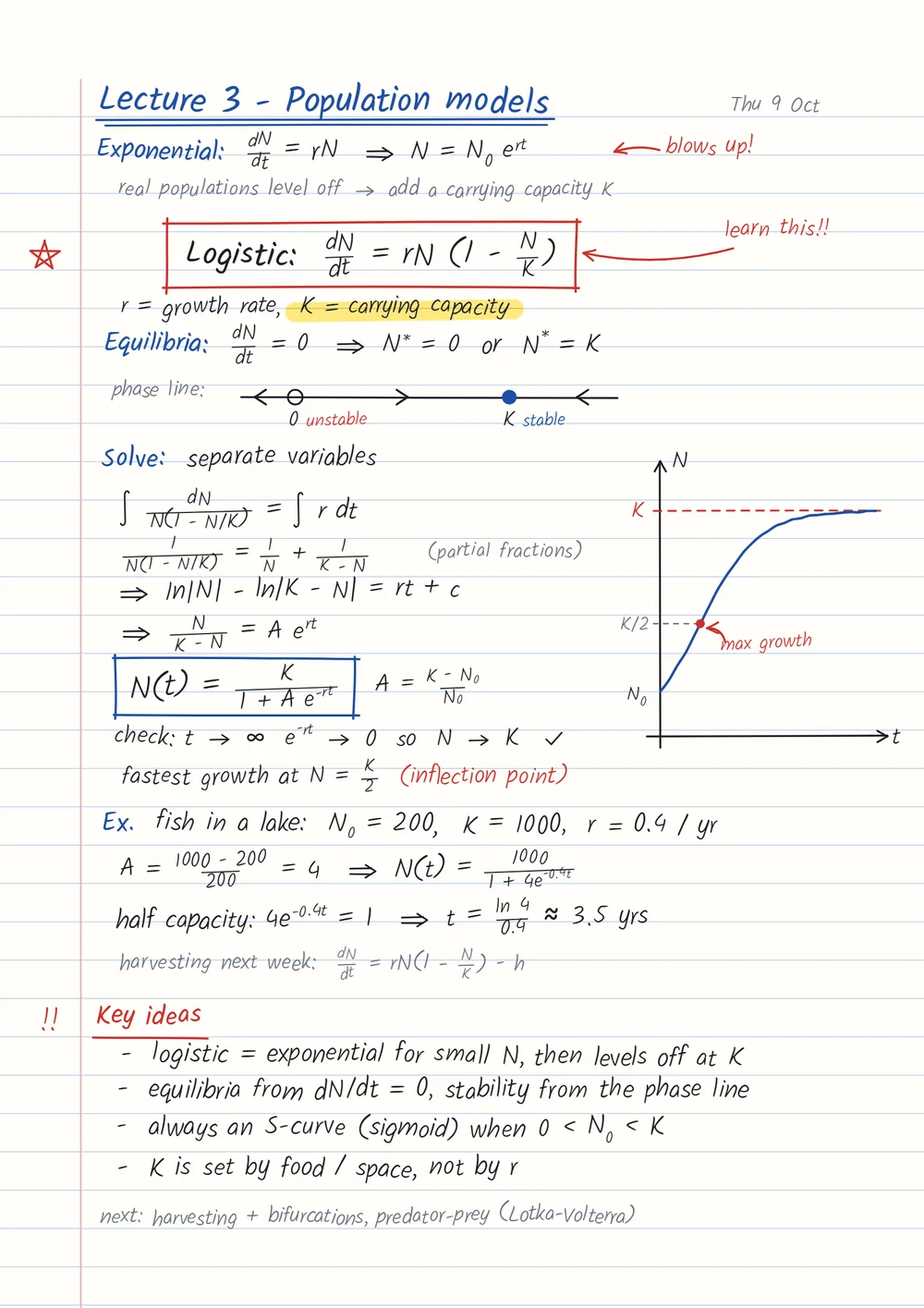
Upload a photo or PDF, write straight on your iPad with an Apple Pencil, or import a whole module from Blackboard.
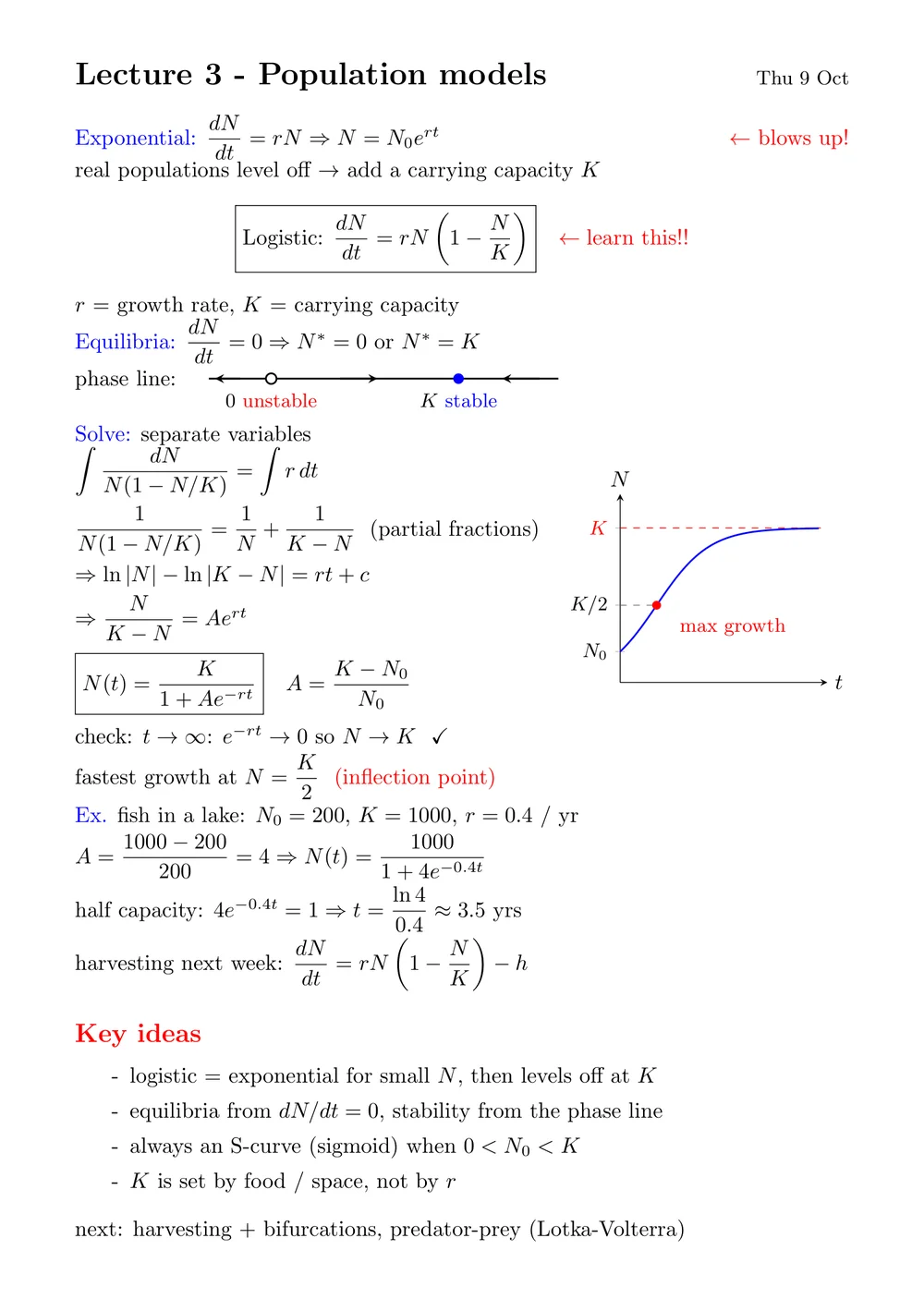
Every page becomes compilable LaTeX, with graphs redrawn as TikZ and pgfplots.
Tweak the source, recompile to a real PDF, then copy it or open it straight in Overleaf.
Write on any page, box handwriting to typeset it, and work on a note together, live.
Clip anything on a page and put the AI to work on it.
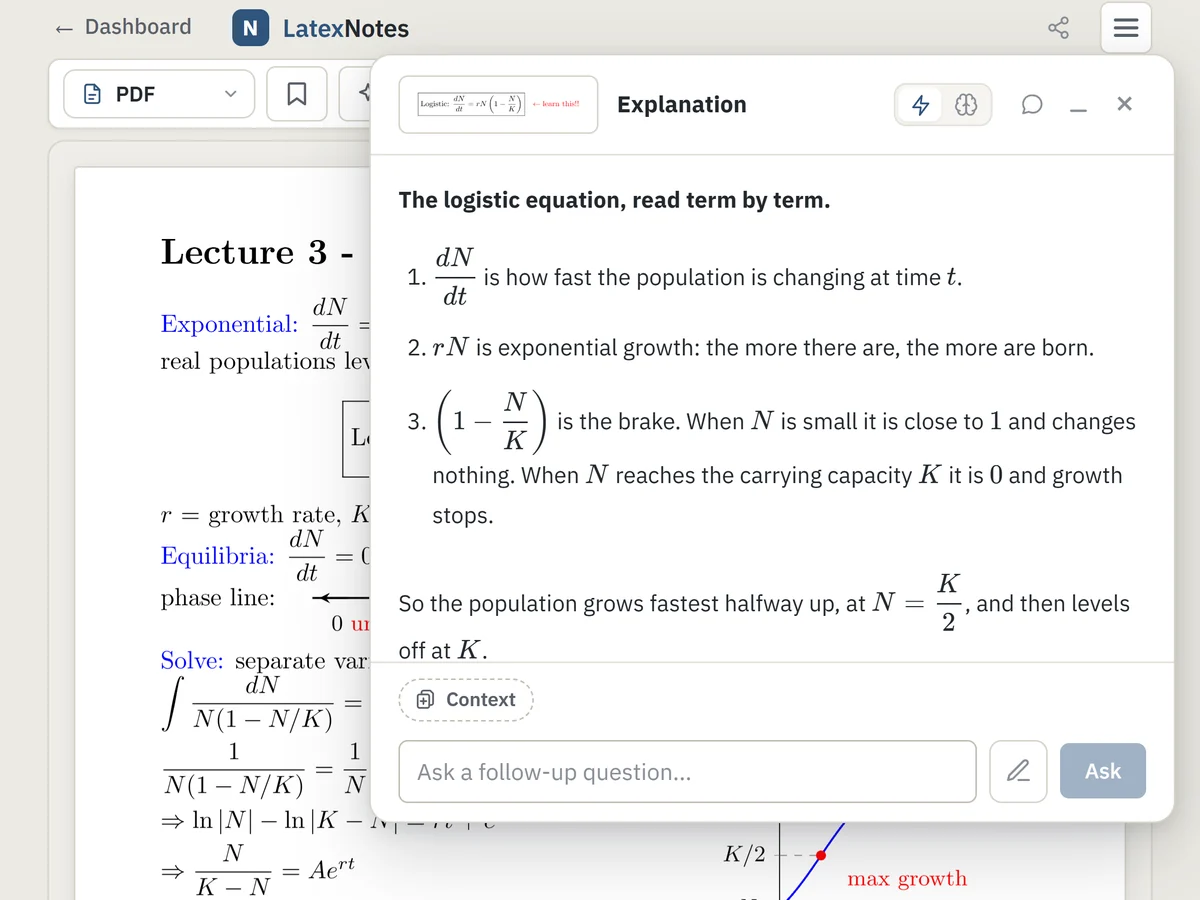
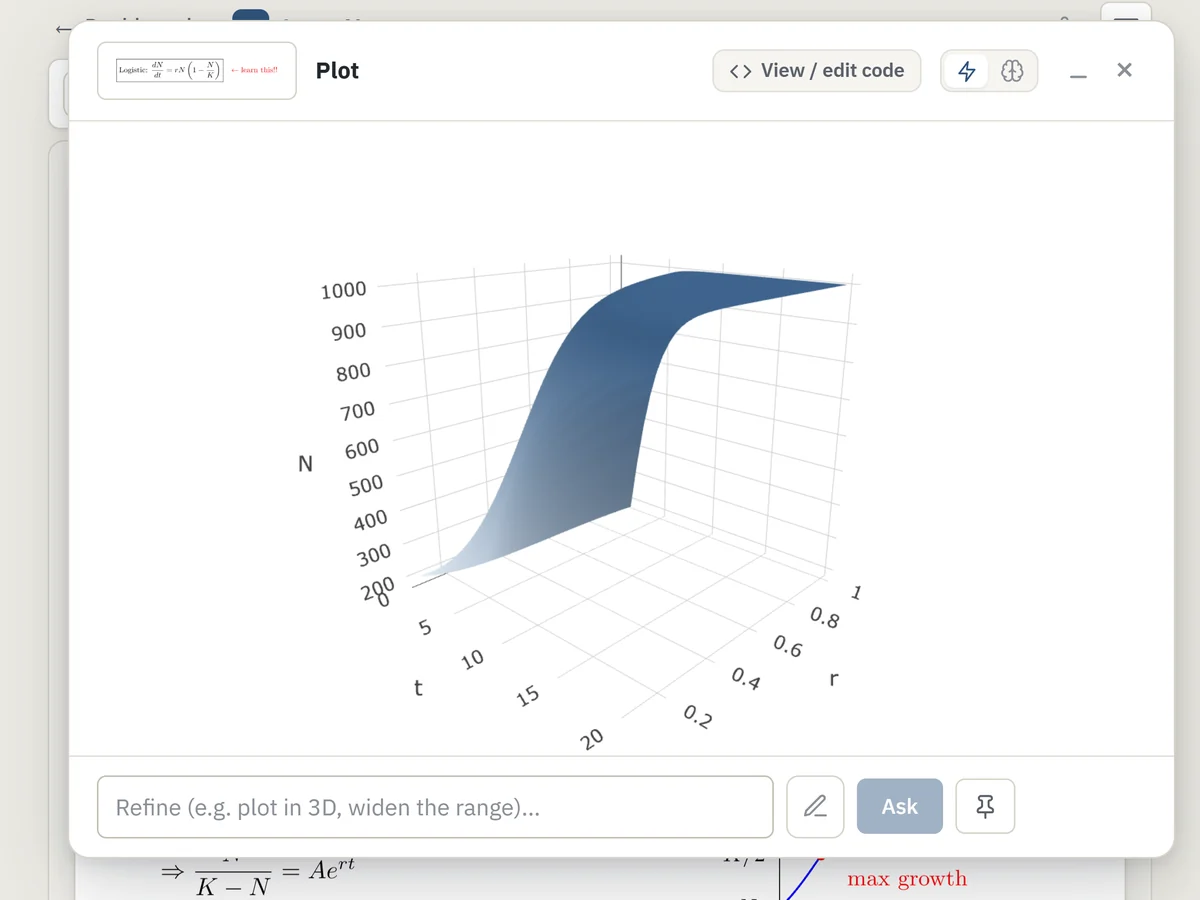
Hand-drawn plots and phase lines are recreated as editable TikZ and pgfplots, not pasted images.
A full pdflatex build runs server-side and returns a typeset PDF you can hand in.
Annotate any note with a pen, Apple Pencil or mouse - then box a patch of handwriting and turn it into typeset LaTeX in place.
Pull a module's PDFs straight in with our Chrome extension - it even mirrors the module's folder structure onto your dashboard.
A proper LaTeX editor with one-click recompile, so a stray symbol never blocks you.
Push the source to Overleaf or download the .tex whenever you want to keep editing.
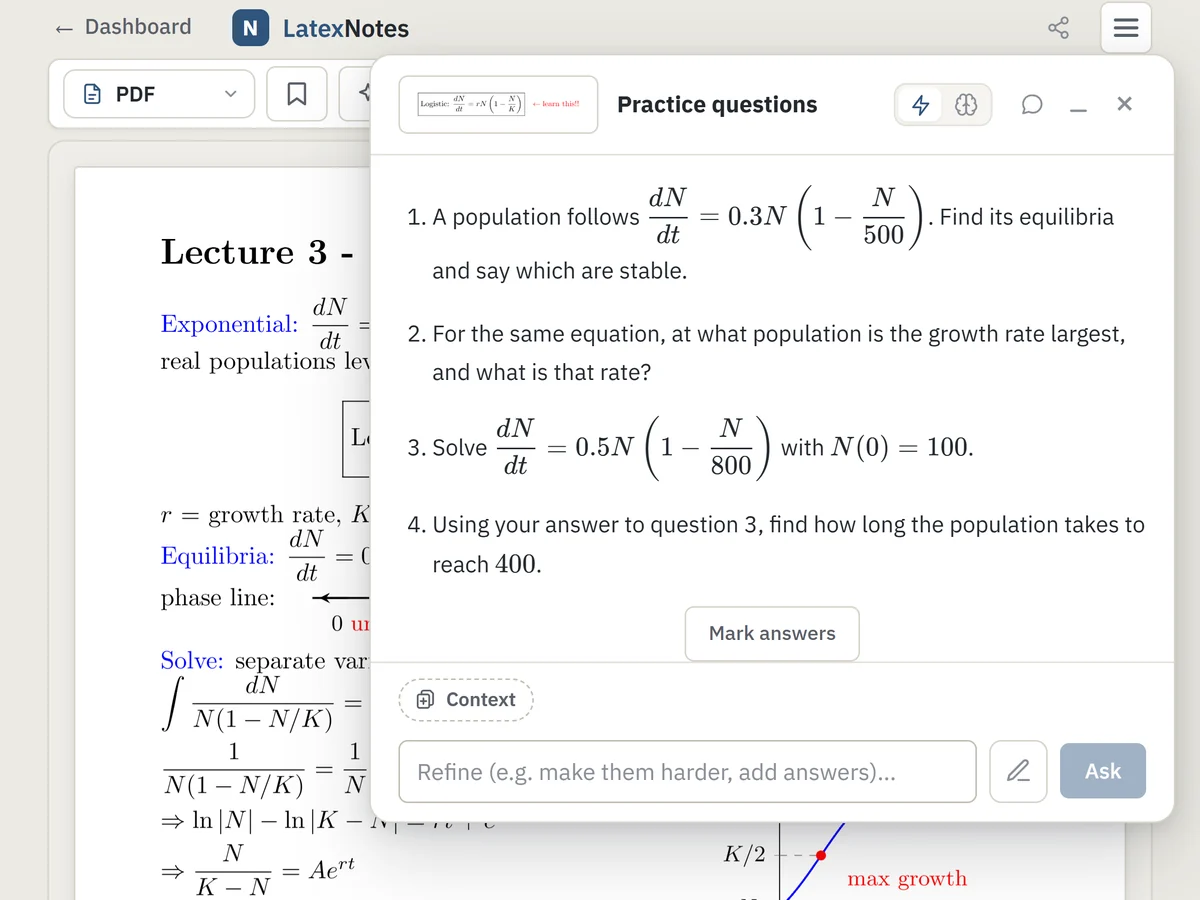
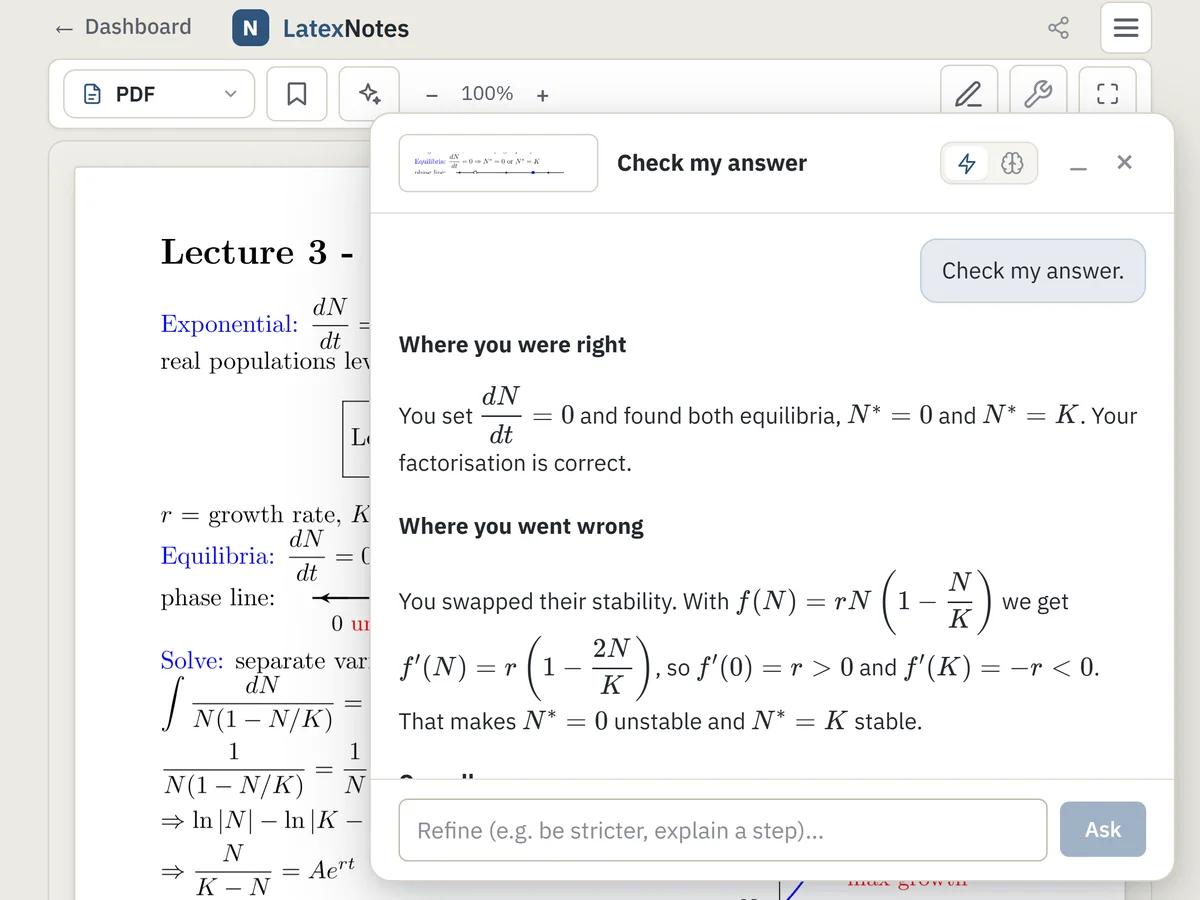
Turn lecture notes and problem sheets into clean LaTeX, then revise with step-by-step explanations and practice questions.
Write lectures, problem sets and solutions by hand, and get compilable LaTeX to edit here or open in Overleaf.
Engineers, analysts and researchers who work things out on paper: notebook pages and photos become typeset maths for reports.
Something else? Ask us and we reply by email.
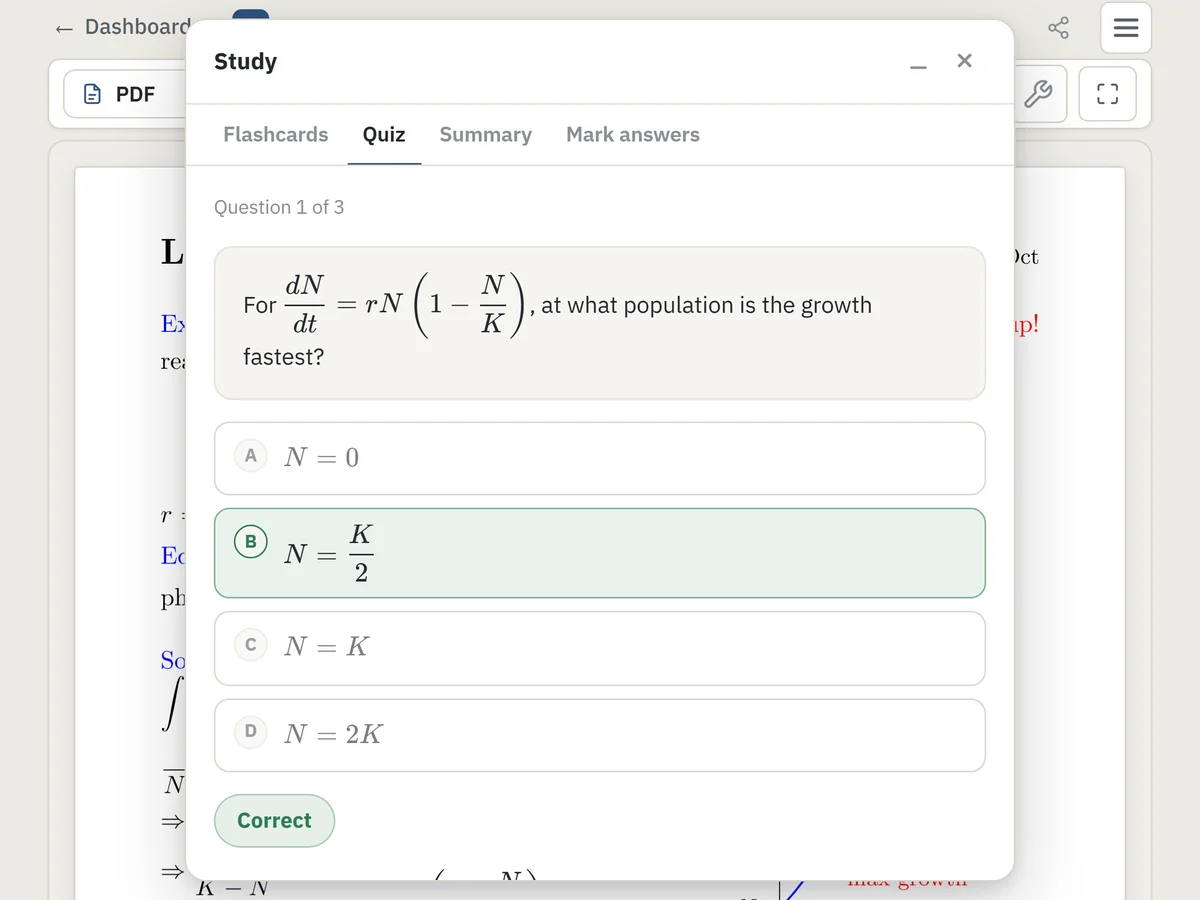
Yes. Every account gets a free allowance of 150 pages a month, free handwritten notebooks, a pen to draw on any note, and 6 free study-tool answers a week. A Pro plan adds unlimited pages, unlimited storage, Convert-to-LaTeX, the Blackboard import extension, and unlimited study tools (explain any step, generate practice questions, check your answers, and interactive plots).
Pro is £6.99 a month or £62.99 a year. New accounts get 3 days of Pro free, with no card needed. You can cancel any time from Settings: Pro stays until the end of the period you've paid for, and your notes stay in your account either way.
Pages are sent to the transcription service to produce your LaTeX and to run the features you use, and your notes are saved to your account so you can reopen them. You can delete any note, and optionally turn on two-factor authentication. See the Privacy page for details.
It's made for real lecture notes, rushed handwriting included. No transcription is perfect, so checking is easy: for a week after upload, Compare shows your original page next to the typeset one, and you can fix anything in the editor and recompile in one click.
Anything maths-heavy: calculus, dynamics, linear algebra, stats. Diagrams and plots are recreated as vector TikZ.
No. You get a finished PDF out of the box. If you do know LaTeX, the editor is right there when you want it.
You'd get a reply to copy and fix. Here every page comes back as LaTeX that compiles, with your graphs redrawn in TikZ and the PDF already built and saved in your account.
No ads and no tracking cookies, and we never sell your notes. They are only used to do what you ask.
Yes. Export them from GoodNotes, Notability or OneNote as a PDF and upload it. Photos work too.
Just a browser. You can also install it as an app on Windows, Mac or Linux, or write on an iPad with an Apple Pencil.
Your first 5 pages free, no account. It takes seconds.